
To use third-party tools, you need your FPL (Fantasy Premier League) ID. Note: You should never enter your FPL password on any site other than Official FPL. Using your FPL ID, however, is perfectly safe.
To check or find your FPL Team ID:
Login to your account at https://fantasy.premierleague.com
Click on the Pick Team tab
Find the “Gameweek History” link – click it.
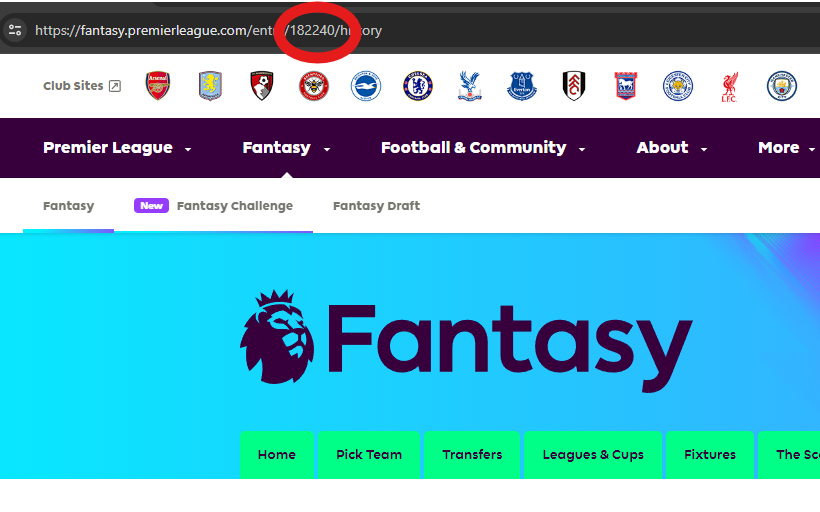
On the latest version of the site, if you don’t see “Gameweek History”, click on “Transfer History”Once that page loads, check the URL in your browser address bar. The number in the URL is your ID.

Does having a low FPL ID do anything?
Yes, but not much. Its used as a tie-breaker for prizes.
As per Official FPL, if the two teams have the same amount of points then the winner is determined by who made fewer transfers.
However, if managers have the same number of points and transfers, only then will the FPL ID matter, in that the manager with the lower one will win the prize!